Point of Sale & Business OperationsAccounting
First-Time Setup: Seeding Default Accounts
Populate a standard chart of accounts in one step, instead of creating every account manually.
A one-time action for setting up accounting in a new workspace — seeds a standard set of accounts (cash, sales revenue, COGS, common expense categories, etc.) so you're not creating each one by hand with Create Account.
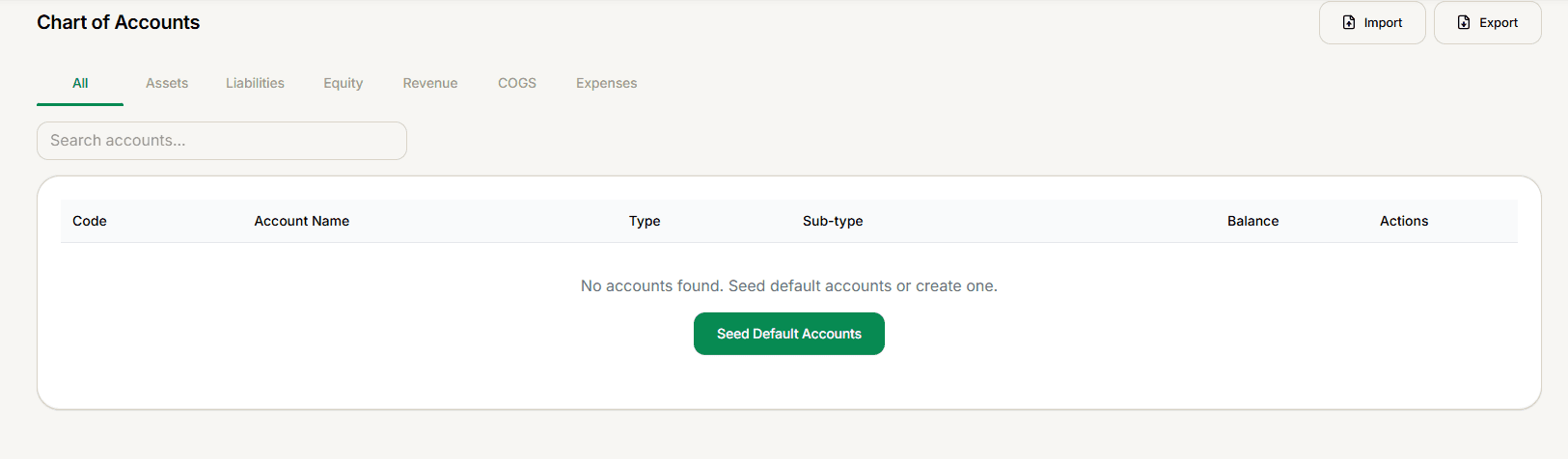
This screen only appears when your Chart of Accounts List is completely empty. Select Seed Default Accounts to populate it.
Run this before recording your first journal entry — seeded accounts can be renamed or extended afterward, but starting from a sensible baseline saves significant setup time.