Update Price (Import/Export)
Bulk-update product prices via CSV export and re-import.
Bulk-update pricing via a CSV round-trip: export current prices, edit them in a spreadsheet, then import the changes back.
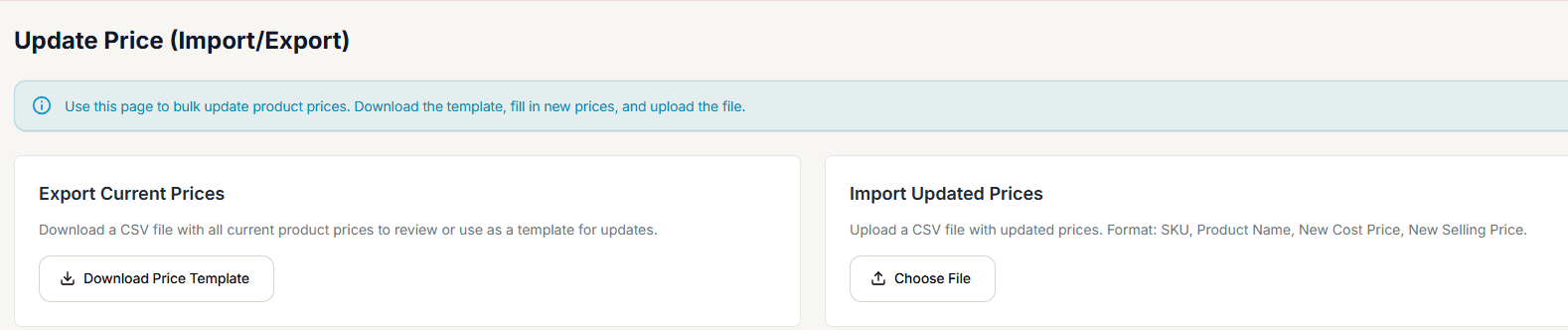
Exporting
Download Price Template gives you a CSV with the columns SKU, Product Name, Current Cost Price, New Cost Price, Current Selling Price, New Selling Price.
Importing
Choose File accepts a .csv or .xlsx file with updated prices (format: SKU, Product Name, New Cost Price, New Selling Price).
The import doesn't actually do anything yet. Selecting Import Prices shows an "import started" message and clears the selected file, but there's no real upload or processing behind it — no product prices are changed. This is a confirmed gap in the current build, not something you're doing wrong. To update prices in bulk today, use each product's Quick Price Edit (from the Products List's Actions menu) one at a time instead.