Point of Sale & Business OperationsPoint of Sale, Sales & Till Management
Discounts List
Every discount rule configured in your workspace.
Discounts List shows every discount rule — active or not — searchable by name.
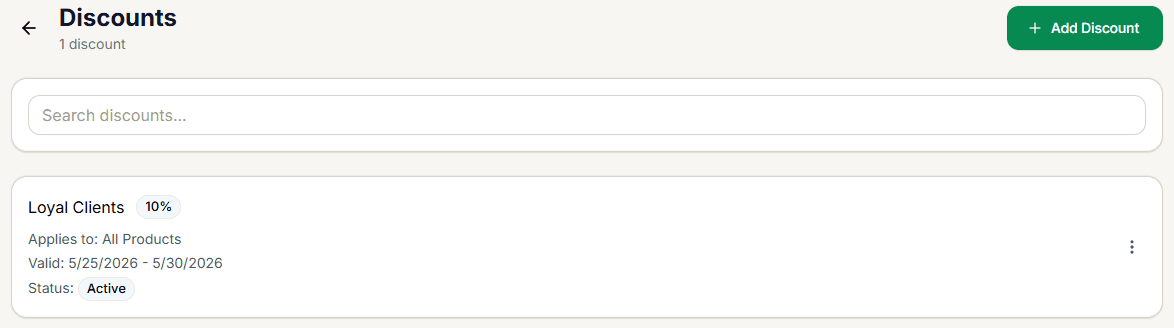
Reading a discount card
Each card shows:
- Name and a value chip — the percentage (e.g. 10%) or flat amount.
- Applies to — All Products, or the specific category/product/customer-group scope.
- Valid — the date range, or Always valid if no start/end date is set.
- Status — Active or Inactive.
Managing a discount
Select the ⋮ menu on any card for View Details (see Discount Detail), Edit, or Delete (with a confirmation dialog).
+ Add Discount creates a new one — see Creating & Editing a Discount.